
 Get WizTick on Google Play
Helping parents shop with more confidence and less stress.
Open guide →
Free Android grocery list app
Shared grocery lists and voice adding for family shopping.
WizTick helps families, partners, parents and caregivers remember what to buy, add items quickly by voice, and keep one clear supermarket list together.
No complex sign-up is needed to start. Use WizTick as a guest first, then sign in only when you want sharing, syncing or invite features.
Android is live on Google Play. iPhone users can join the waitlist below.
No account to startTry the grocery list first.
Made for familiesShare lists when you sign in.
Built from real useStarted with my parents.

How WizTick helps
One simple shopping routine, from list to spending.
Watch the short preview to see how WizTick supports everyday supermarket shopping: create a list, add items quickly, shop with focus, and understand grocery spending.
Explore features
My Inspiration
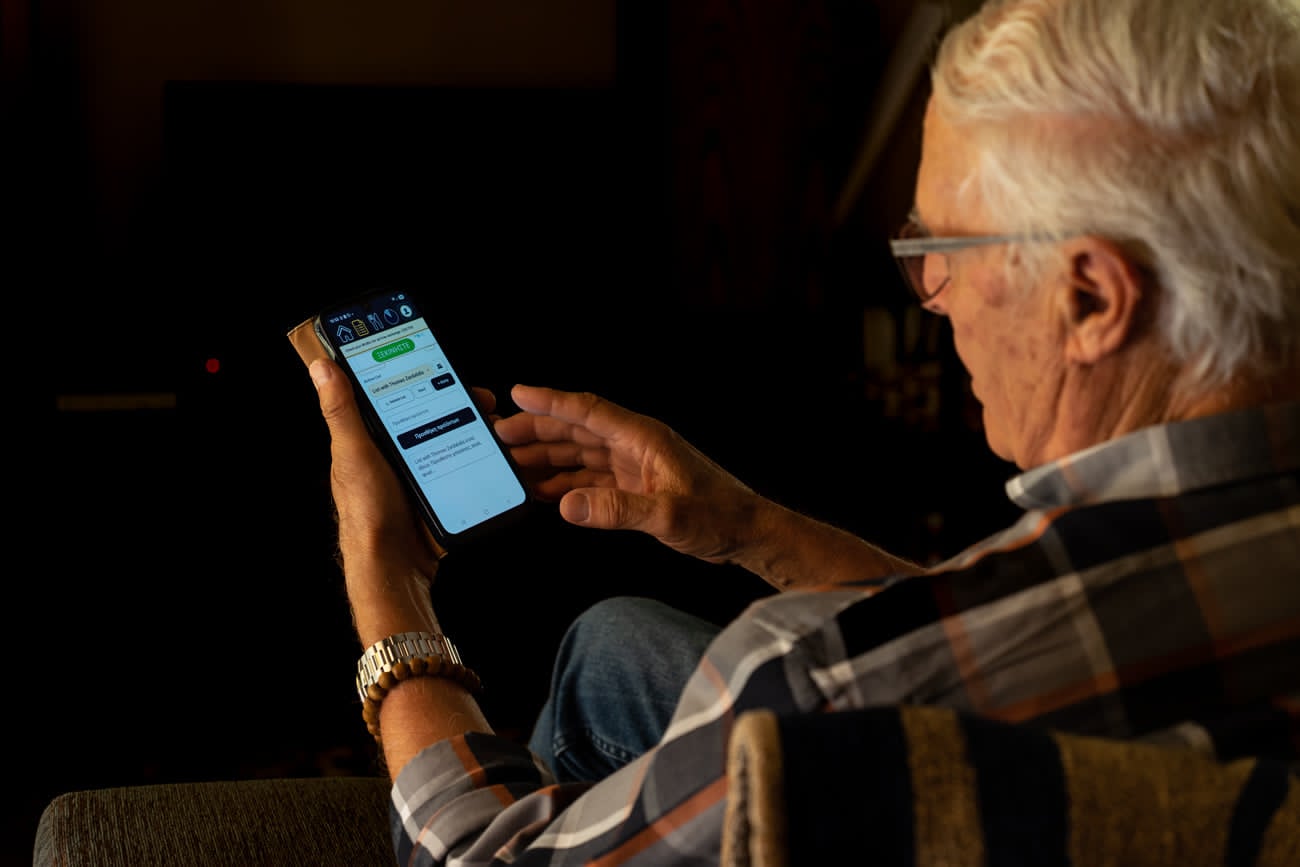
Made first for my parents.
WizTick started as a family tool, not a marketing idea. I wanted to help my parents keep grocery shopping simple: a clear list, fewer forgotten items, and a way to support them without taking over.
That is why the app focuses on large, clear actions, practical routines, and everyday shopping habits instead of complicated setup.
Focused guides
Choose the problem you are trying to solve.
The homepage stays simple. These standalone guides go deeper into specific grocery problems people search for.
Simple Android grocery lists without a complicated setup.
Open guide →Add products quickly when typing is inconvenient.
Open guide →Make supermarket spendings visible and easier to manage.
Open guide →Turn dinner ideas into ingredients and weekly lists.
Try planner →Grocery savings, supermarket comparison and meal planning tips.
Read blog →
iOS waitlist
Using an iPhone?
WizTick is live on Android first. If you want to know when iOS is ready, leave your email and I will use it only for WizTick iOS updates.
Questions
Common questions
Is WizTick free?
Yes. WizTick is free to download and use on Android. It is supported by a small ad banner to help cover running costs.
Do I need an account before using WizTick?
No complex sign-up is needed to start. You can try WizTick as a guest first. Sign-in is needed later for sharing, sync and invite features.
Is WizTick useful for families and caregivers?
Yes. WizTick is designed for families, partners, older adults and caregivers who want one clear shopping list and fewer missed items.
Can WizTick help with meal planning and grocery budgeting?
Yes. WizTick includes meal planning, grocery list ingredients, prices, receipt support and spending views so you can understand supermarket costs better.
Is WizTick available for iPhone?
Android is live now. iOS is planned later. iPhone users can join the waitlist on this page.
Try it free
Make your next supermarket trip clearer.
Plan it. Tick it. Remember it.